Knowledge Base
Word, PDF, web pages, email — everything arrives as standard Markdown; edit in rich-text or source mode, data stays local, locks and export always in your hands.
Free to start·Local data·Works offline
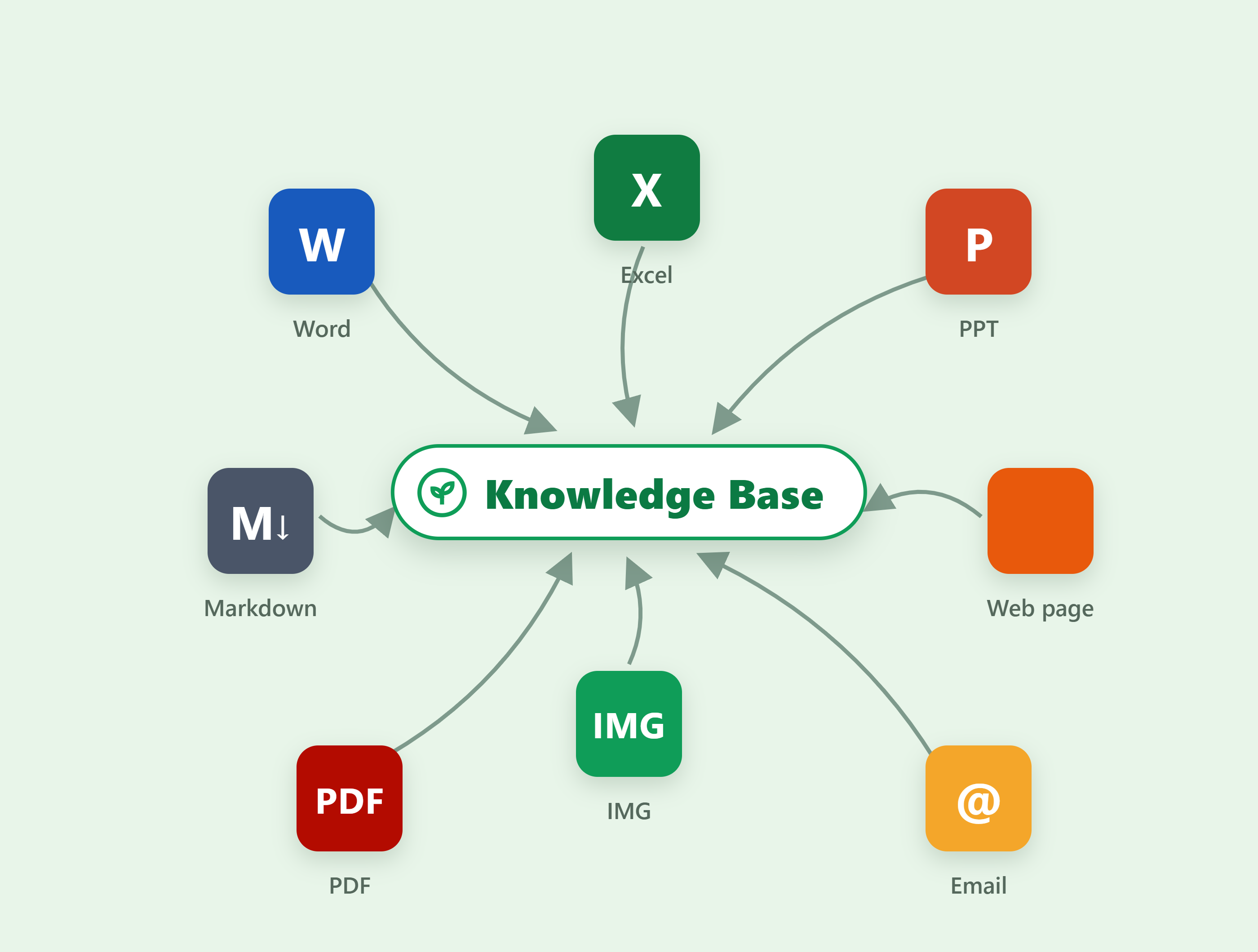
One library for every source · auto-taggedFull-text search · tag filters on demand
Documents, clips, email, canvas diagrams — every source arrives auto-filed into folders and tagged; search titles, bodies and tags globally, entries ready on demand.
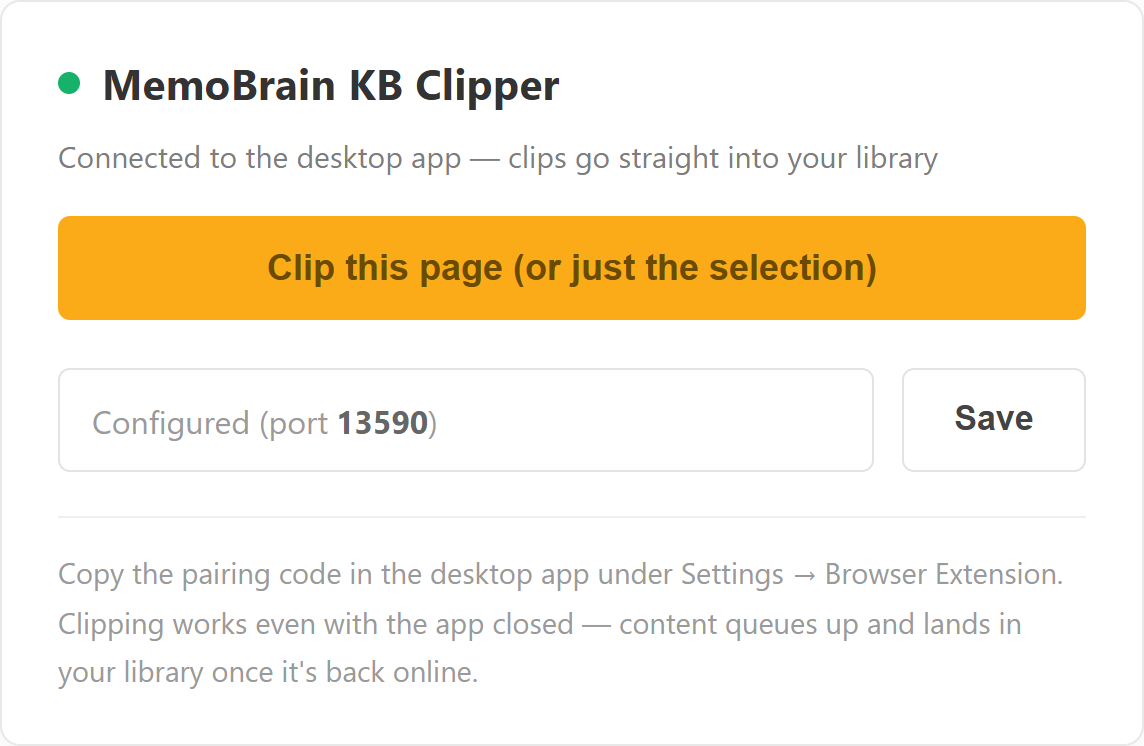

Clip the page · or just the selectionFetch the body · auto-filed into folders
Write in WYSIWYG, refine in source — both modes a switch away; underneath it’s plain .md any editor opens. Data sovereignty is yours.

WYSIWYG · source is one click up topPlain .md underneath · opens anywhere
To-dos live with your library — categorized, overdue auto-pinned; list, calendar and Gantt views switch freely. Items with dates land on the Gantt; undated ones are still counted, none lost.
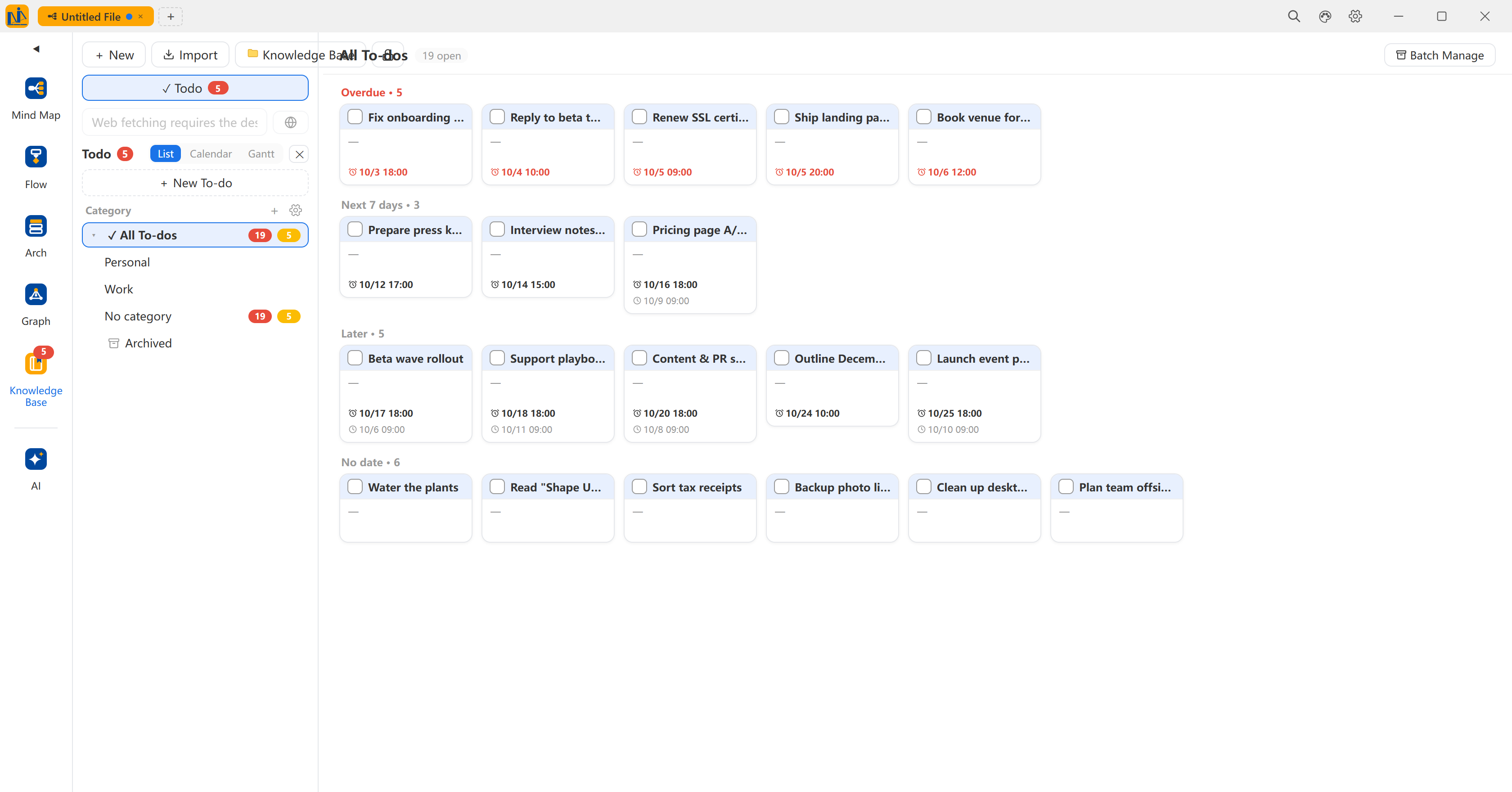
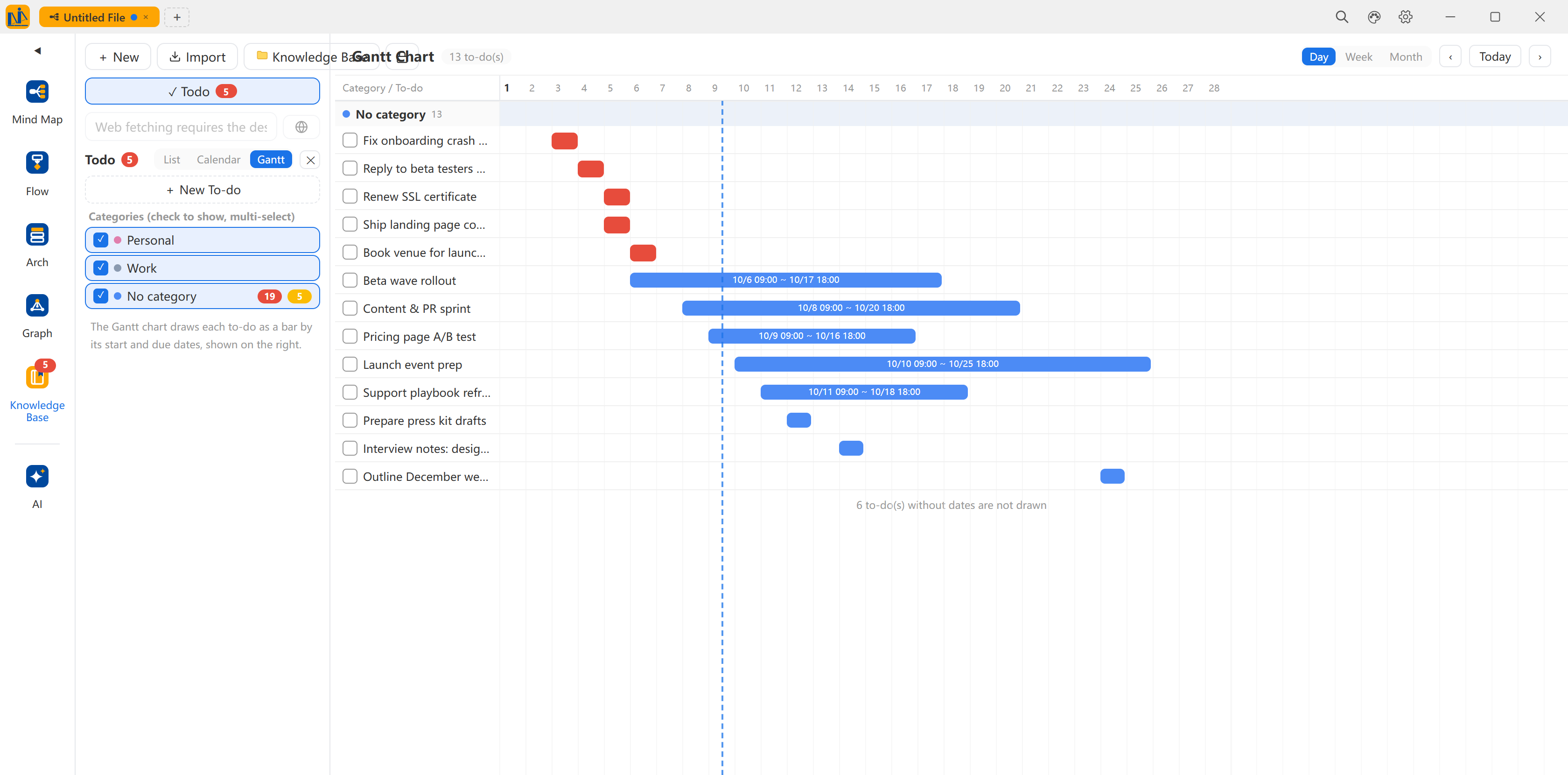
Overdue · next 7 days · later · undated, auto-bucketedUndated stay off the chart · always counted
Data stays on your machine by default — locks constrain AI and auto-collection only, manual editing unaffected; export Word / PDF backups anytime, and AI chat can cite the library.


Locks bind AI, not youSensitive content: lock and export anytime
Start free — sources arrive as Markdown, yours to take, always.
Local data · Works offline